 kasper.space

Notifier#
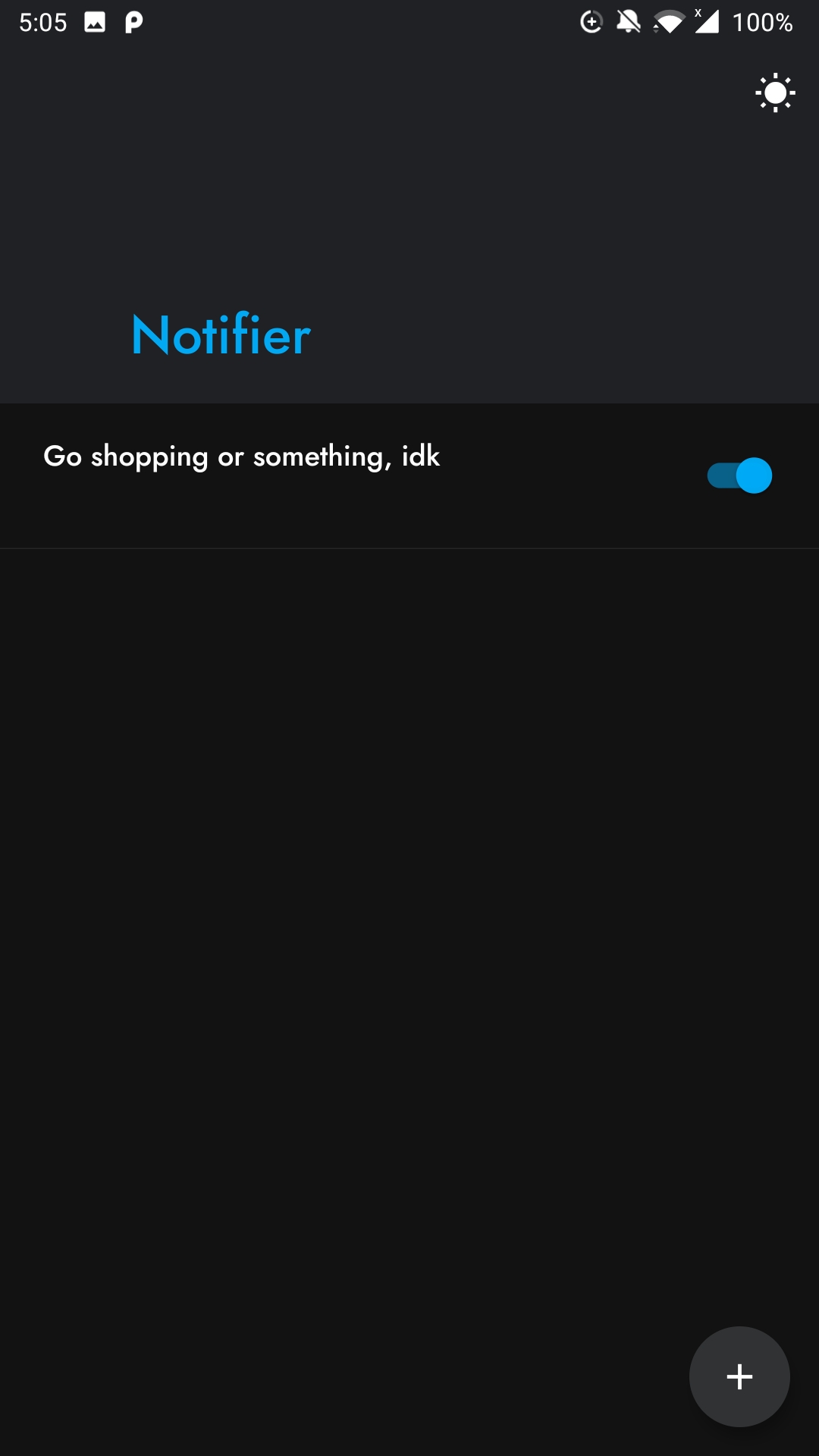
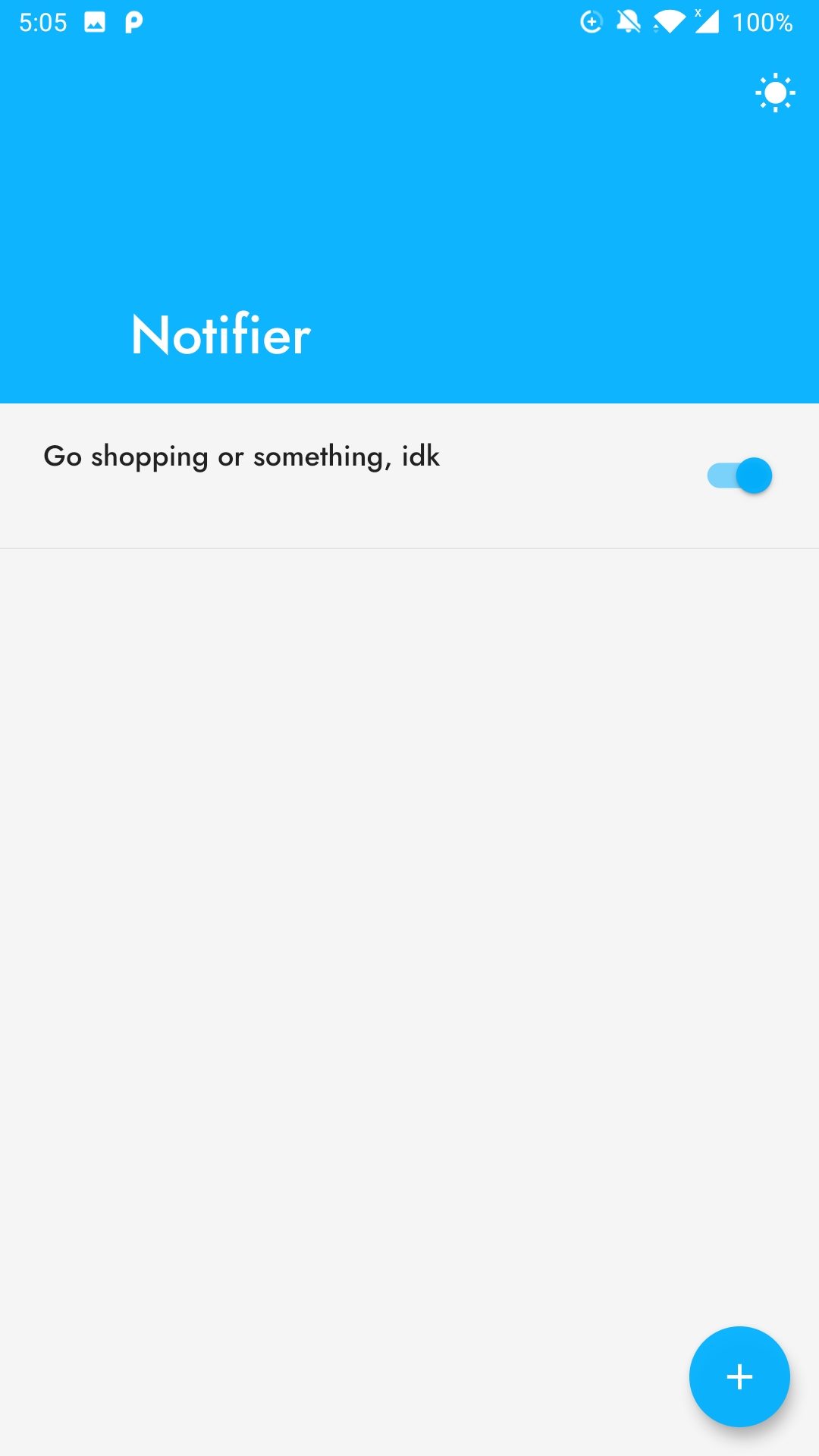
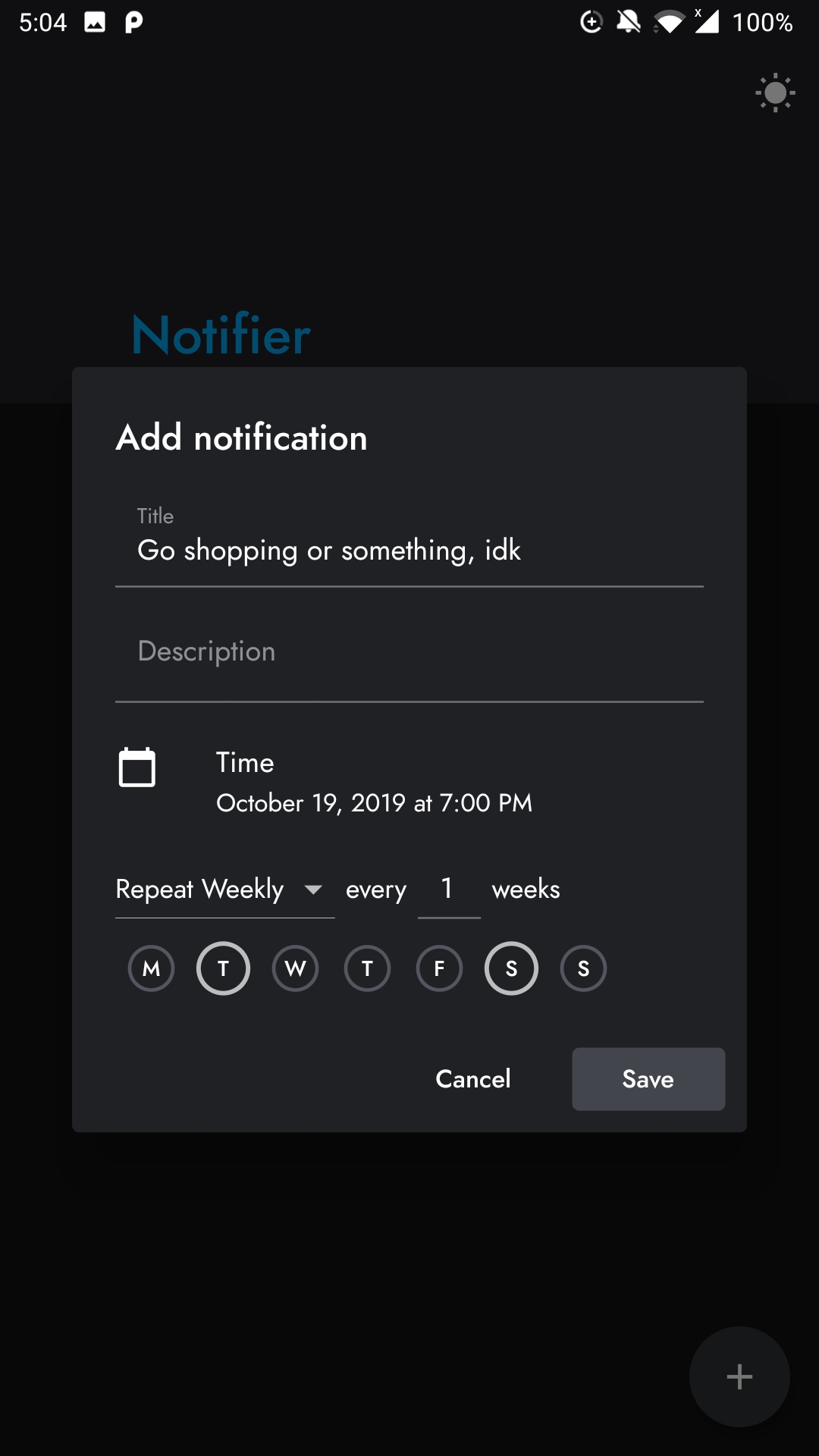
A notification scheduling Android app with support for repeating notifications.
Getting Started#
All you really need is to install Flutter. Just run flutter run to start debugging the app, like you would with any Flutter app.
The app is built using the scoped_model package, which is worth knowing about. Other than that, it pretty much works like any basic Flutter app, so there's not much else that needs to be said.
Generate app icon#
I used the flutter_launcher_icons package for that, so follow these instructions.
Build#
Follow these steps.
Releasing a new version#
- Specify a version and build number in
pubspec.yaml, or use--build-nameand--build-number - Generate Android apk:
flutter build apk - Rename the output file to
notifier-x.y.z.apk - Commit with the message
x.y.zand add a tag/release to it with the output file attached.